Production, pricing, and money
Production: what goes on the machine next
3 minute read
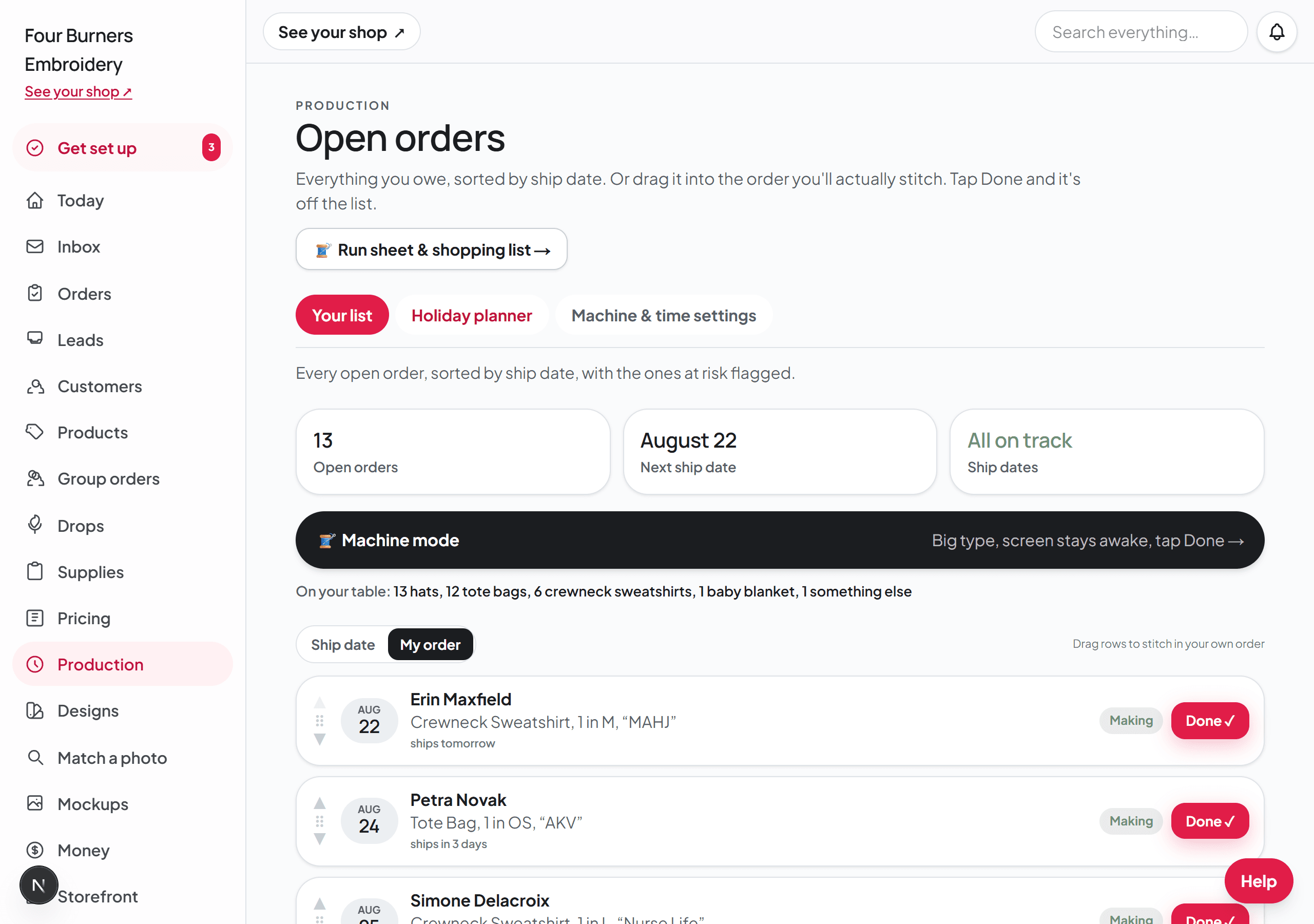
The Production page has three tabs: Your list, the Holiday planner, and Machine & time settings. Your list is the make list. Every order that is ready to stitch sits in one list sorted by ship date, with plain language on each row: in 4 days, or 3 days late. Orders still waiting on an answer sit in their own section below, so an order with missing details never lands on the machine.
- 1Sort by ship date to see what is due, or put the rows in your own order when you want to batch, for example stitching all the hats while the hat hoop is on. Drag a row where you want it, or use the up and down arrows on its left — the arrows are the way to do it on a phone or tablet.
- 2Tap Start when a piece goes on the machine, and Done when it comes off. Broidry updates the customer's tracking page for you.
- 3On the Machine & time settings tab, save your machine's stitch speed and your working hours — the dates everywhere else are computed from them. Set your turnaround and your time off on the Pricing page, on the card called Booking window and time away. Your shop page quotes real dates from all of it, so you only promise dates you can keep.
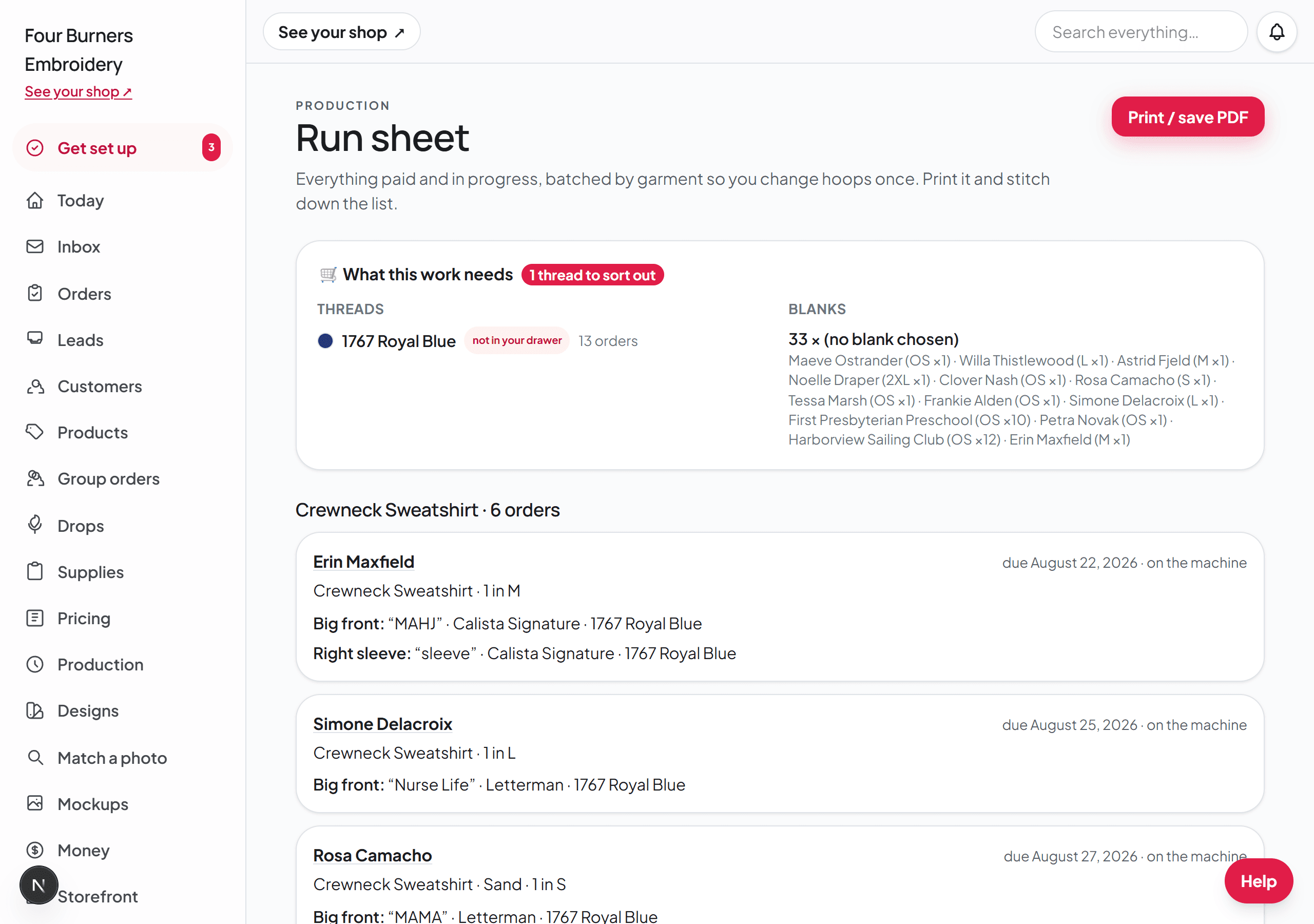
The Run sheet: one page for a stitching session
The Run sheet takes everything paid and waiting and turns it into one printable page, batched by garment so you hoop once and run a whole set. Each line carries the wording, the font, and the thread numbers, and at the bottom is a shopping list: the threads the batch needs, checked against your own drawer — what's on hand, what's low, what's out, and what you don't own at all. Print it and the session runs itself.
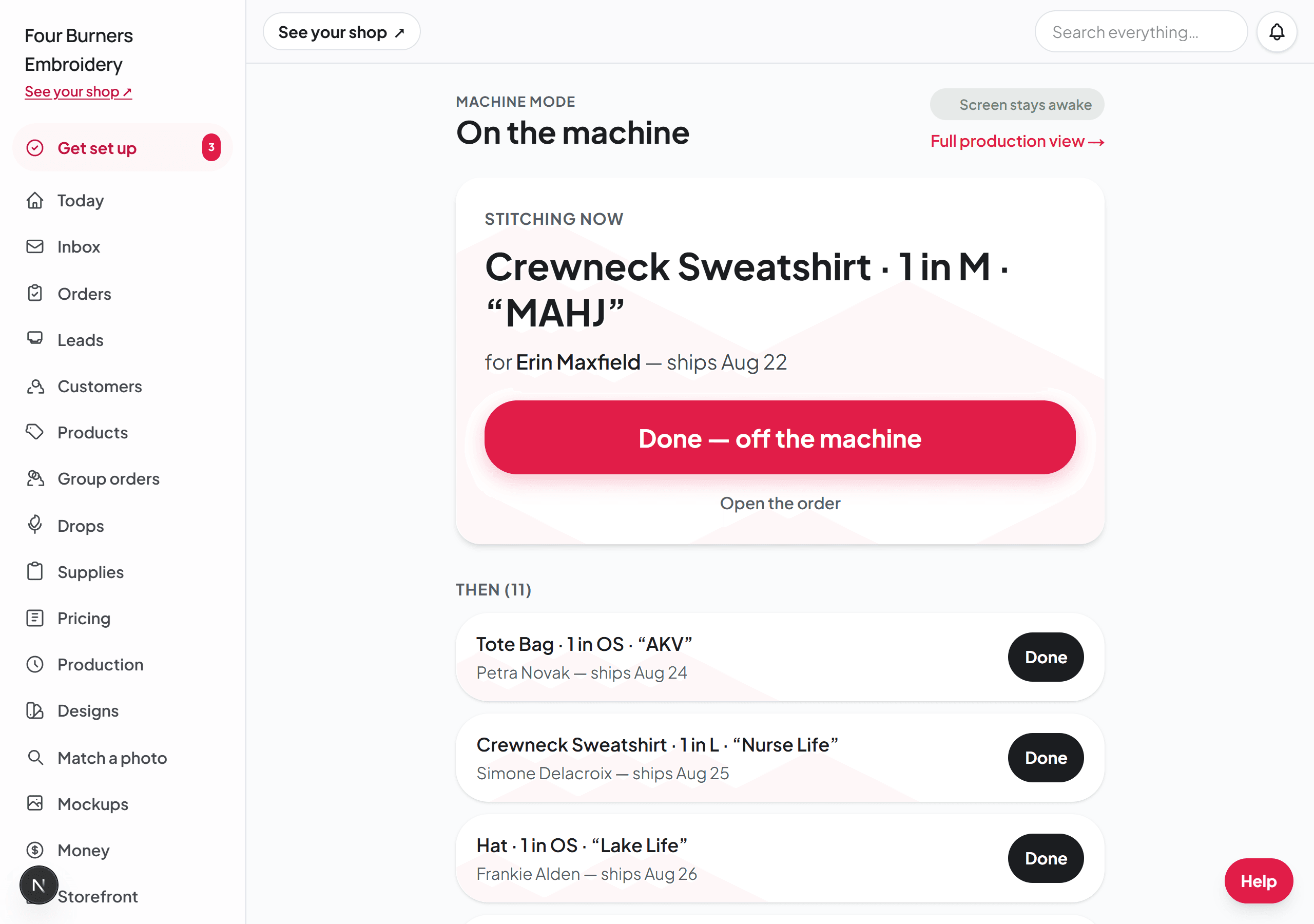
Machine mode: the phone at the machine
Machine mode is a stripped-down view made for a phone propped next to the machine: the next piece up, big Start and Done buttons, and a screen that stays awake. Open it from the Production page when you sit down to stitch. Every tap updates the customer's tracking page, the same as the full list.
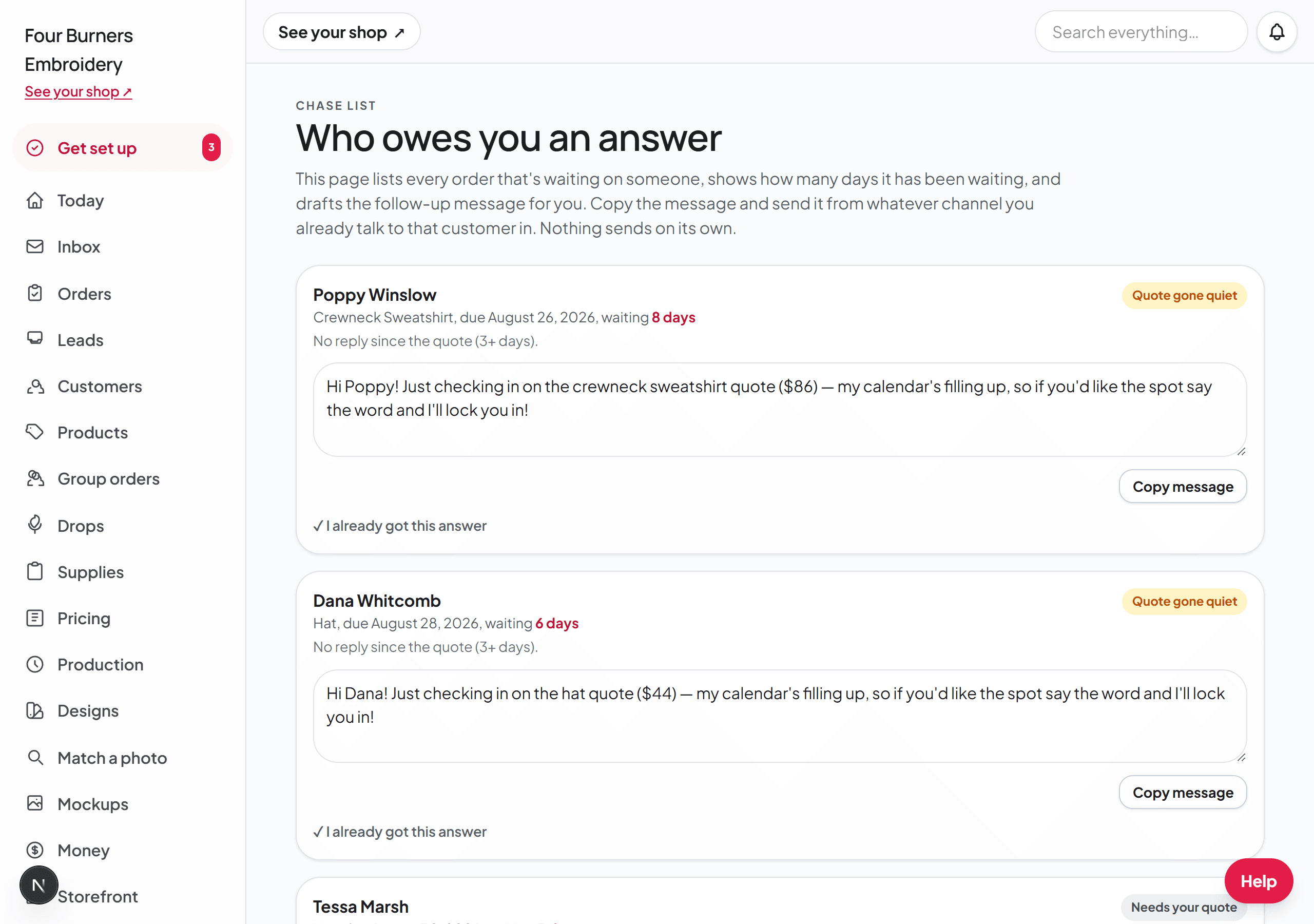
Chase: who owes you an answer
Production can only make what customers have answered about. The Chase page lists every order that is waiting on someone — a quote gone quiet, details never sent, a quote you have not built or emailed yet — with how many days it has been and a polite follow-up already drafted. Copy the follow-up and send it wherever you and that customer talk. Broidry never sends it for you.
The Holiday planner
The middle tab answers the November question: how many more orders actually fit before Christmas. It has its own guide, called The holiday cutoff: how many more orders actually fit.